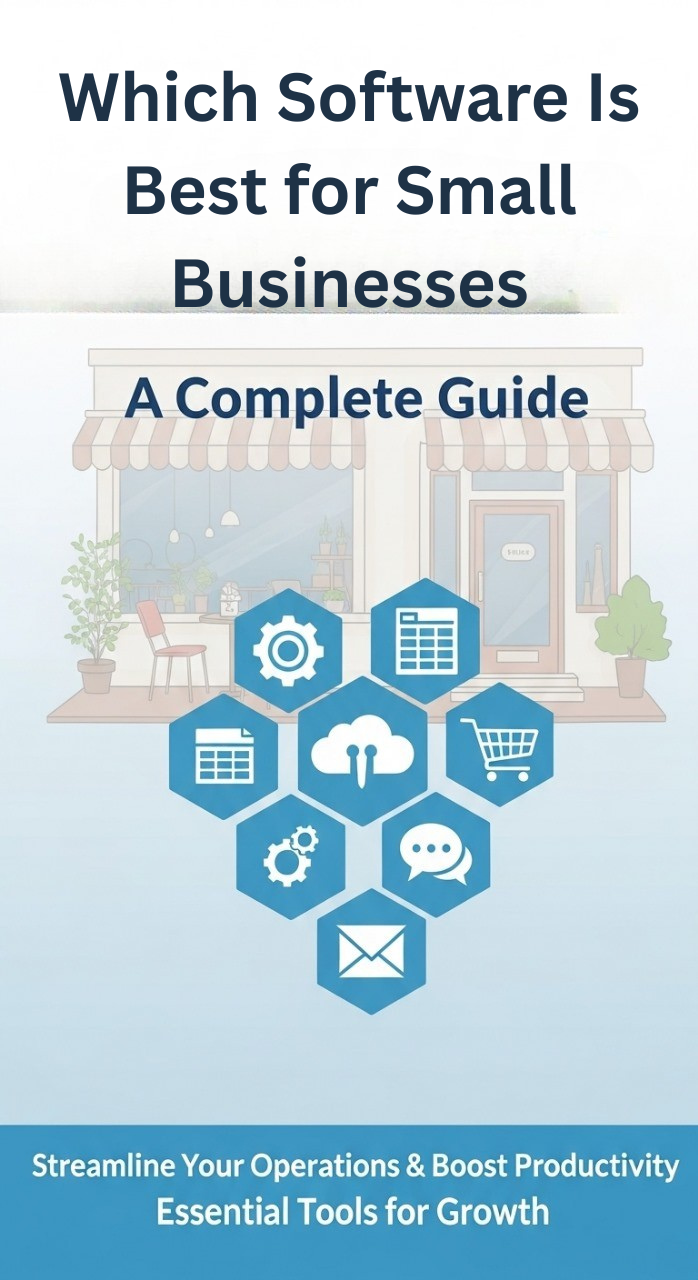
Which Software Is Best for Small Businesses? A Complete Guide
Best Software for Small Businesses is critical for any company, In today’s business environment, technology is no longer a luxury—it’s a necessity. For small businesses, selecting the right software can mean the difference between efficient growth and chaos. Whether you’re tracking finances, managing customers, coordinating projects, or collaborating with your team, the tools you pick will influence how smoothly things run.
One company that specializes in helping businesses navigate this space is Aqiq Solutions (Ltd)
Why Small Businesses Need the Right Software
Here are a few reasons why selecting the right software matters:
- Efficiency gains: Manual processes take time and are error-prone. Software can automate tasks like invoicing, follow-ups, reporting.
- Better decision-making: With good tools, you can get timely data (financials, customer behaviour, project status) and make informed choices.
- Scalability: As your business grows, your systems must grow with you—software that isn’t built for growth can become a burden.
- Competitive advantage: Small businesses that leverage modern tools can compete more effectively with larger firms by being agile.
- Risk mitigation: Software often helps with compliance, security, backups, and avoiding costly mistakes.
Given these benefits, it’s important to pick wisely.
Types of Software Every Small Business Should Consider
Below are the key categories of software to evaluate, what to look for, and why they matter.
1. Accounting & Finance Software
This is foundational. Examples include bookkeeping, expense tracking, payroll, invoicing, financial reporting.
What to look for:
- Ease of use (non-accountants should be able to operate)
- Integration with bank accounts, payment gateways
- Compliance with local tax/regulatory laws
- Reporting dashboards (profit & loss, cash flow)
- Scalability (adding users, more transactions)
- Security and backup
Why it matters:
Without accurate financial records you can’t judge business health. If your accounting software is clunky or disconnected, you risk errors, wasted time, and poor decisions.
2. Customer Relationship Management (CRM) Software
A CRM system helps you manage leads, customer data, follow-ups, sales pipelines and customer service.
What to look for:
- Easy data entry and contact management
- Pipeline/lead tracking (where each prospect stands)
- Integration with email, phone, marketing tools
- Reporting on conversions, customer value
- Mobile access (for remote or sales teams)
Why it matters:
Your customers and prospects are one of your most valuable assets. A good CRM helps you nurture them, stay organised, and maximise value.
3. Project / Task Management & Collaboration Tools
For any business doing projects (client work, internal initiatives) you need tools to assign tasks, track progress, communicate.
What to look for:
- Tasks/subtasks, due dates, assignments
- Gantt charts or Kanban boards (depending on style)
- File sharing, comments, notifications
- Integrations with calendars, communication tools
- Mobile app support
Why it matters:
As your business grows, informal methods (emails + spreadsheets) break down. A dedicated tool keeps everyone aligned and helps avoid delays or miscommunication.
4. Communication and Team Collaboration Software
This includes tools for chat, video calls, file sharing, remote working.
What to look for:
- Instant messaging + group chat
- Video conferencing and screen share
- Shared file/folder access, version control
- Integration with other tools (project, CRM, etc.)
- Secure access (especially if remote or hybrid teams)
Why it matters:
Teams need to communicate smoothly. Broken communication costs time, causes errors, and reduces morale.
5. Enterprise Resource Planning (ERP) / Business Process Software
For businesses with multiple functions (sales, inventory, manufacturing, services) an ERP or business-process software can integrate them under one umbrella.
What to look for:
- Modules for your core functions (inventory, purchasing, production, service)
- Customisation to adapt to your specific workflows
- Cloud vs on-premise (cloud often preferred for small businesses)
- Data analytics and dashboards
- Vendor support and training
Why it matters:
When separate functions live in silos (e.g., inventory separate from sales, separate from finance), inefficiencies creep in. An integrated system helps unify operations, improve visibility, and scale.
6. Marketing & Sales Automation Tools
These help with things like email marketing, social media scheduling, lead capture automation, analytics.
What to look for:
- Automation of repetitive tasks (follow-up emails, nurture sequences)
- Social media posting and monitoring
- Analytics on campaign performance, ROI
- Integration with CRM, website, e-commerce
- A/B testing capabilities
Why it matters:
Marketing is more than just “post-and-pray”. Automation helps you stay consistent, track performance, and grow more cost-effectively.
7. Cybersecurity & Backup Solutions
Often overlooked in small businesses, security is critical. Software for malware protection, data backup, access control, etc.
What to look for:
- Endpoint protection (PCs, mobiles)
- Secure cloud backup of critical business data
- Multi-factor authentication (MFA)
- Regular updates and vendor support
- Clear disaster-recovery plan
Why it matters:
Data loss, hacks, ransomware — these are very real risks even for small businesses. Investing a bit in security prevents huge costs later. Companies like Aqiq Solutions offer such services.
How to Evaluate & Choose the Right Software
Selecting software isn’t just about features and price. Here’s a framework to guide the decision.
- Define your requirements
- What are your pain points today?
- Which processes are manual, slow or error-prone?
- What are your growth plans for the next 1-3 years?
- Prioritise must-haves vs nice-to-haves
- For example: “integrates with bank” is must-have; “AI analytics” might be nice-to-have now.
- Budget & Total Cost of Ownership (TCO)
- Up-front cost, subscription model, per-user fees, add-ons, support/training cost.
- Also factor in cost of switching later if software doesn’t scale.
- Vendor reputation & support
- Check reviews, case studies, support level, training, documentation. For example, Aqiq Solutions markets ERP and cloud implementation services.
- Integration & scalability
- Does it work with your other systems (banking, website, CRM, email)?
- Will it support your business as you grow (more users, more transactions, new modules)?
- Trial / Pilot implementation
- Many software offer free trials. Run a pilot with a small team, test workflows.
- Change management & training
- Software is only as good as how people use it. Plan for training, communication, process re-design if needed.
- Security & compliance
- Ensure data is protected, backups in place, vendor has good security practices.
- Implementation timeline
- How long will it take to go live? What’s the impact on your current operations?
- Review & iterate
- After rollout, monitor usage, measure benefit (time saved, error reduction, revenue impact). Adjust or shift if needed.
How Aqiq Solutions Can Help
Aqiq Solutions provides business-software and technology consulting tailored for small and mid-sized companies. According to their website, they specialise in ERP, cloud solutions, cybersecurity and smart-parking solutions.
If your business is considering an integrated approach (especially if you have multiple moving parts), working with a partner like Aqiq Solutions may help you:
- Map out your business processes accurately
- Select & implement the right software modules
- Integrate various systems (accounting, CRM, operations)
- Manage change, train users, and support growth
Conclusion
Choosing the best software for small businesses is about aligning tools with your business needs, budget, and growth goals. The right software can streamline operations, enhance customer relationships, and give you a competitive edge.
Working with experienced vendors like Aqiq Solutions (aqiqsolutions.com) can simplify software selection, implementation, and support, ensuring your business thrives with the right technology.
How do I choose the right software for my small business?
What is the best software for small businesses?
The best software for small businesses depends on your needs, but typically includes accounting software, CRM, project management tools, communication apps, marketing automation, and cybersecurity solutions. The goal is to streamline operations, reduce errors, and support growth.
Why do small businesses need specialized software?
Small businesses need specialized software to improve efficiency, manage finances, track customer relationships, collaborate effectively, and ensure data security. The right software helps businesses scale and compete effectively.
How do I choose the right software for my small business?
Start by defining your business requirements, prioritize must-have features, consider budget and scalability, evaluate vendor support, and run a trial or pilot implementation to ensure it meets your needs.
Can small businesses afford enterprise-level software?
Many software solutions today offer scalable plans for small businesses, including cloud-based options. Enterprise-level features can be accessed as your business grows, often with subscription models suitable for small budgets.
What are some examples of the best software for small businesses?
Examples include QuickBooks or Xero (accounting), Zoho CRM or HubSpot (CRM), Asana or Trello (project management), Slack or Microsoft Teams (communication), and marketing automation tools like Mailchimp.
How can Aqiq Solutions help small businesses choose the right software?
Aqiq Solutions provides expert guidance on ERP, cloud solutions, cybersecurity, and other business software. They help small businesses select, implement, and integrate software that fits their processes and growth goals. (aqiqsolutions.com)